
Sanas Integrations
Real-time Speech AI for the contact center environment you already run. Keep your workflows. Bring clarity to every conversation.
Same platforms. Clearer conversations.
Sanas works with leading softphones, including Genesys, Five9, NICE, Avaya, and Zoom. Add Accent Translation to your existing contact center and CRM workflows without redesigning how agents work.




On the agent desktop
Bring real-time Accent Translation to the tools your agents already use. The desktop application refines pronunciation while preserving the speaker's natural voice, tone, and emotion.
Audio is processed on the device without recording or storing voice data. No changes to call flows or agent workflows.
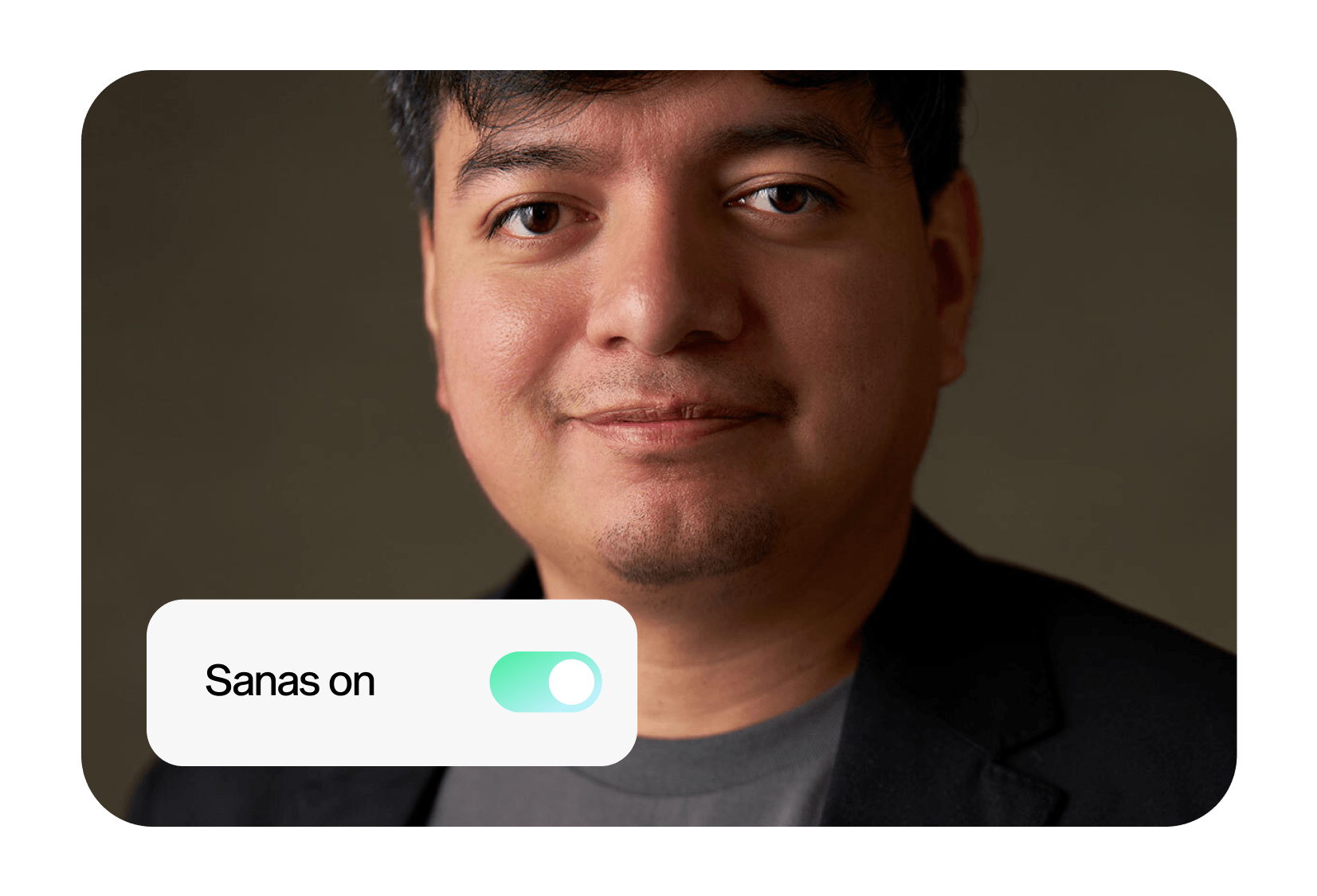
Connect Sanas to your softphone.
On the agent desktop, Sanas adds its own microphone. Agents select it in their softphone's audio settings, and call flows stay as they are. Each platform has a short setup guide.
Inside your application
Use SDK and API options to bring Sanas into your applications and communication workflows.
The Developer Platform offers a server-side SDK for Speech Enhancement, Accent Translation, and Language Translation. One integration brings multiple speech capabilities to the pipeline you already run.
Distributed teams. Central control.
Manage Sanas across your contact center from a central admin portal.
Secure by Design
At Sanas, data privacy and security is our top priority. We don’t monitor, record or store any call data, and have earned numerous certifications that reflect our unwavering commitment to data security and compliance.


Before you connect
Sanas works with leading softphones, including Genesys, Five9, NICE, Avaya, and Zoom. Accent Translation supports existing contact center and CRM workflows. Discuss your platform, devices, and intended Sanas capabilities with the team to choose the right deployment approach.
No. Sanas Accent Translation is designed to work within your existing environment without changes to call flows or agent workflows. The desktop application brings real-time speech clarity to the agent workspace.
The desktop application brings Sanas to agent workstations. SDK and API options let engineering teams integrate speech capabilities into applications and communication workflows. The Developer Platform includes a server-side SDK for Speech Enhancement, Accent Translation, and Language Translation.
Yes. The Sanas admin portal brings user and team management, licensing, reporting, and policies into one place. SSO and role-based access controls support enterprise administration across distributed teams.
Desktop Accent Translation processes audio locally on the device without recording or storing voice data. Review the requirements of SDK, API, and other product deployments separately with Sanas, since their architecture differs from the desktop experience.
Start with a demo for your team. Share your contact center platform, agent environment, and the speech capabilities you want to use so you can discuss desktop deployment or an SDK/API integration with Sanas.
Let's talk about your setup.
See Sanas in action and explore the right deployment approach for your team. Learn more about Sanas for Enterprise CX.